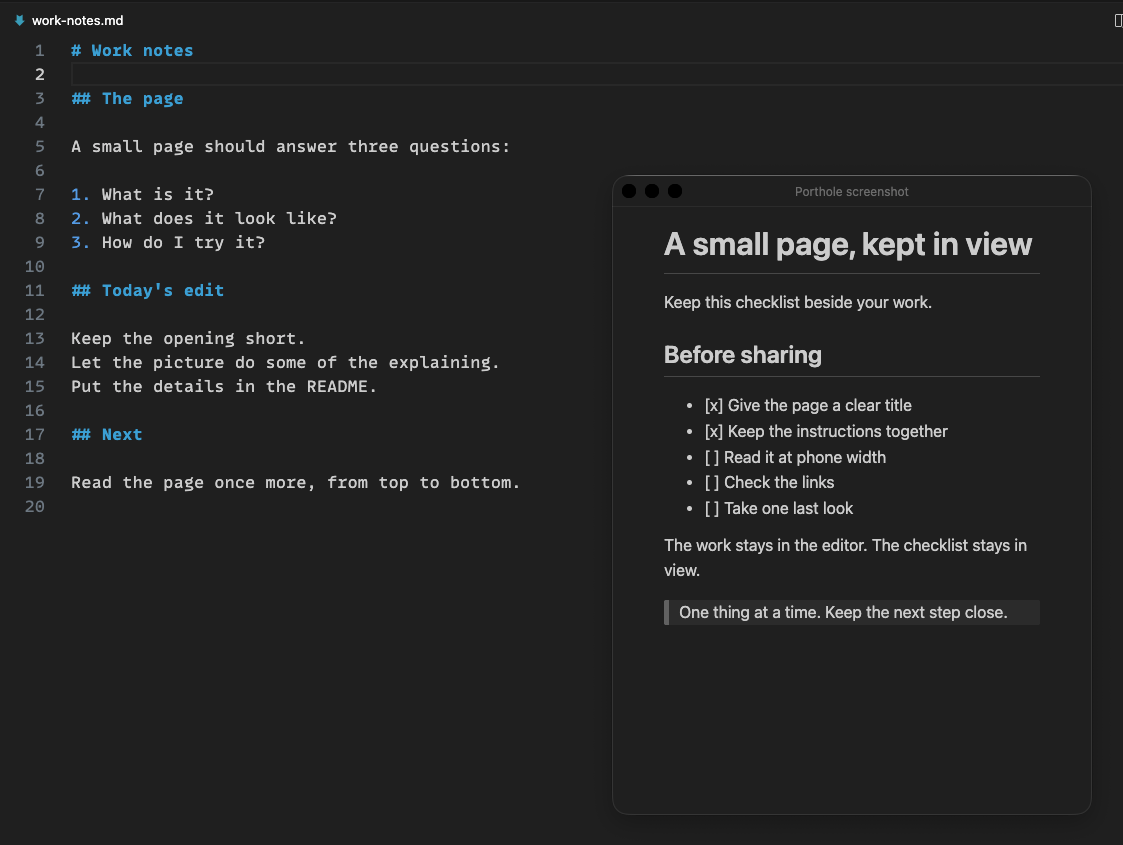
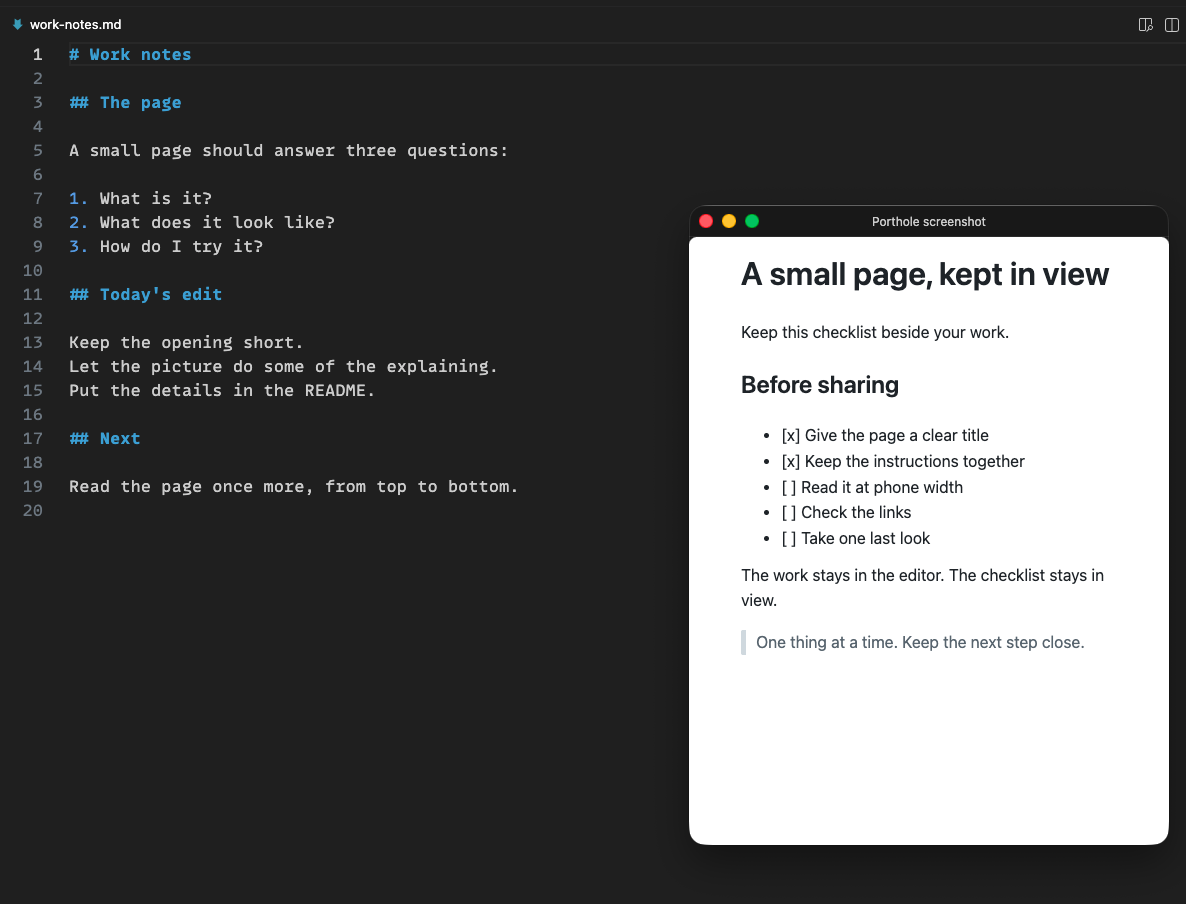
Pops a page out.
One gesture opens an HTML or Markdown file in a floating window. No tabs, breadcrumbs or status bar.
 Porthole
HTML & Markdown · VS Code
Pop the HTML page or Markdown file you are looking at into a floating window in VS Code: only the rendered page, pinned above your other windows.
Ctrl + Alt + M ⌃⌥M on macOS
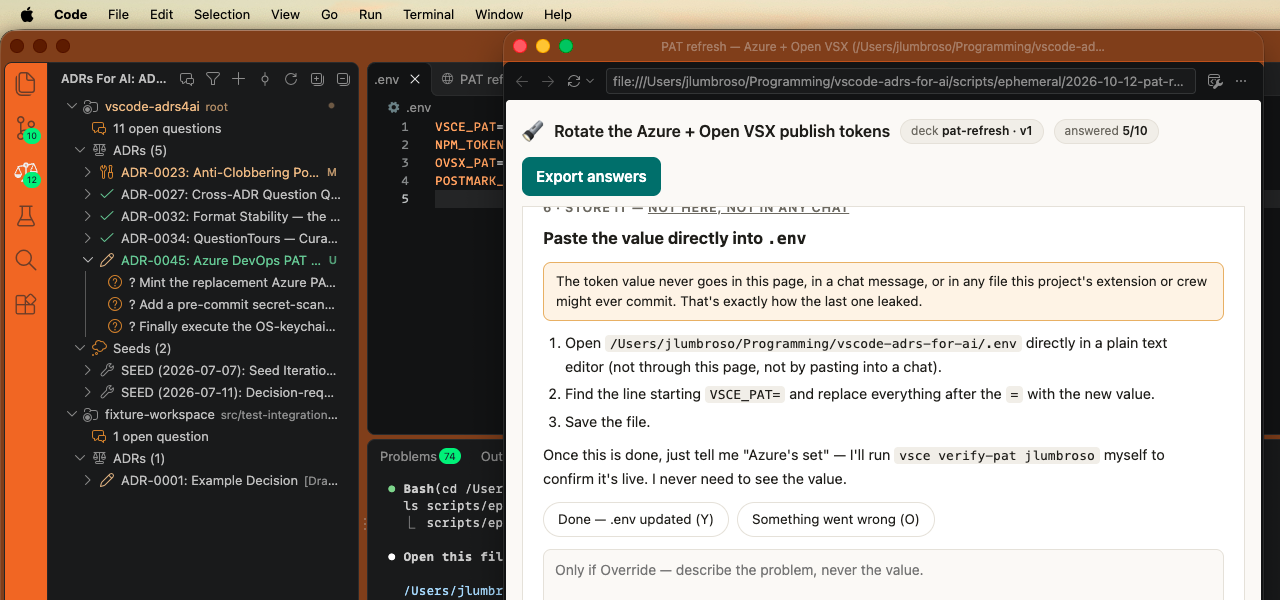
A checklist, task instructions, a design mock-up or a local report — in view while you work.
One gesture opens an HTML or Markdown file in a floating window. No tabs, breadcrumbs or status bar.
The page stays pinned above your other windows. Toggle that off and on whenever you like.
Focus the floating window and use the same shortcut to dock the page into your main window again.
HTML reloads when its file changes. Markdown uses VS Code’s preview and updates as you edit. Its task-list boxes are read-only.
Porthole for VS Code
Search for “Porthole” in VS Code’s Extensions view, or run:
code --install-extension jlumbroso.porthole